Time tracking
Start, stop, pause, and review work sessions with precise daily totals.
A focused iPhone app for tracking work time, breaks, locations, travel, schedules, leave, and exports without giving up control of your data.
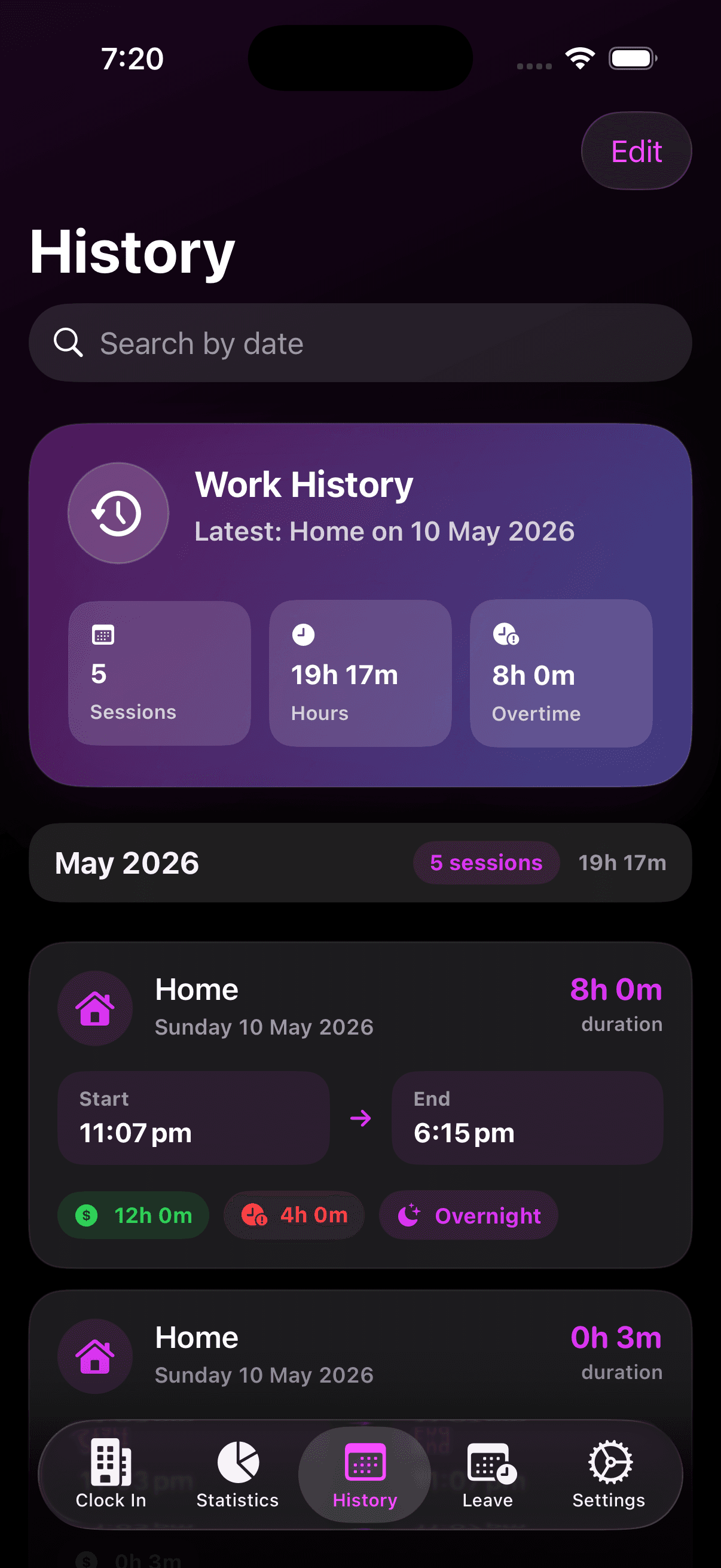
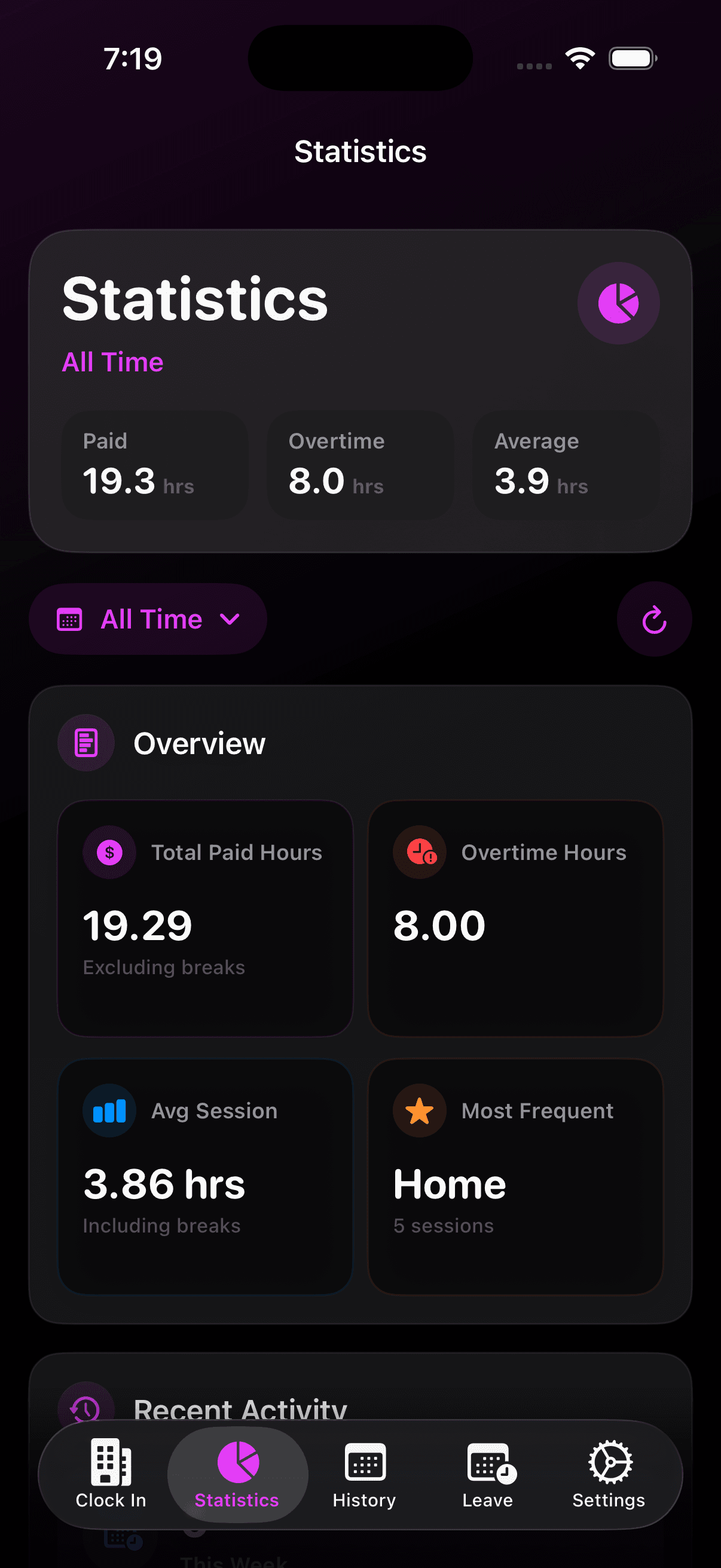
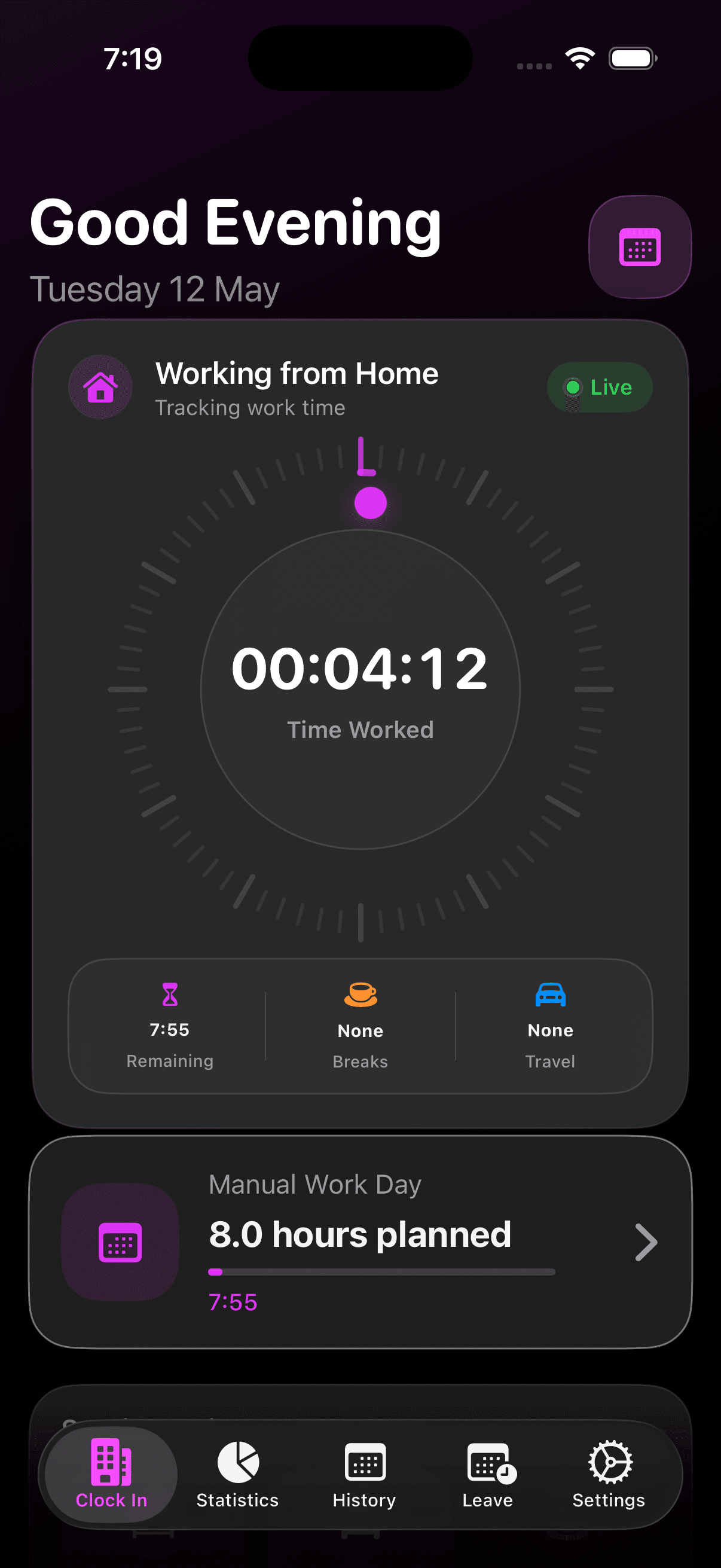
WorkPlace keeps the daily workflow simple while still covering the details that usually end up scattered across notes, spreadsheets, and calendar entries.
Start, stop, pause, and review work sessions with precise daily totals.
Follow active work sessions from the Lock Screen and Dynamic Island.
Record breaks separately so productive time and total presence stay clear.
Track office, home, client site, and custom locations without friction.
Log work-related travel time and distances alongside the working day.
Plan recurring work patterns and keep leave records in the same place.
Understand patterns, overtime, and history, then export records to CSV.
Capture work travel stays with dates, places, and report-ready details.
Keep data available across devices through your personal iCloud account.
A straightforward flow from active tracking to analysis, history, and leave planning, with daily context kept close to the time record.
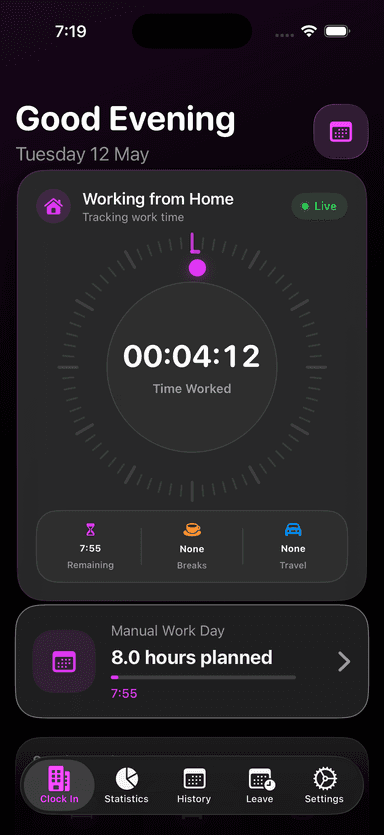
See current time, remaining hours, breaks, and travel while you work.
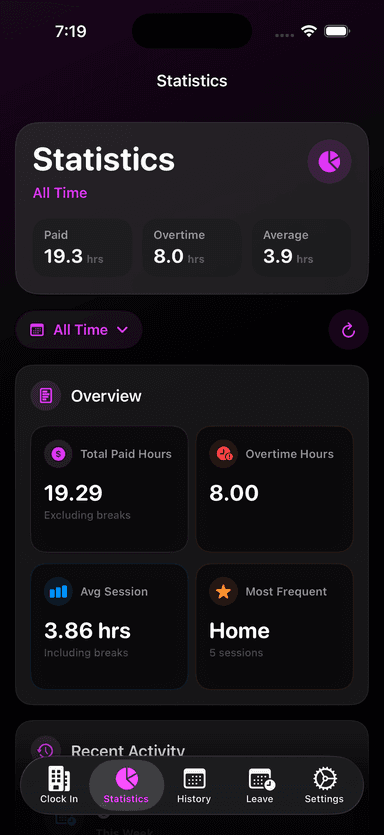
Review paid hours, overtime, averages, and frequent work locations.
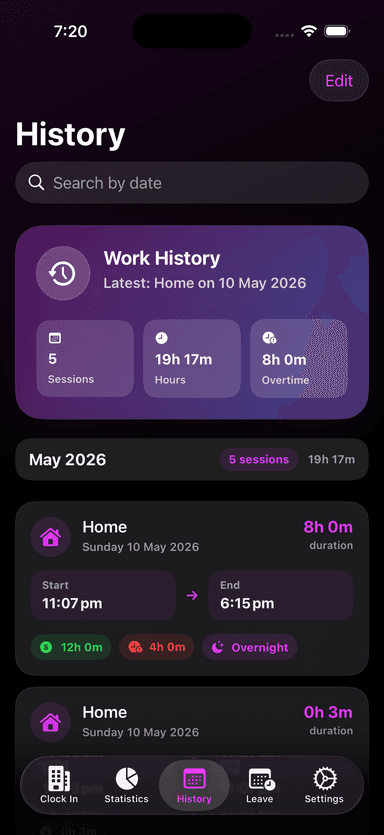
Search history, inspect sessions, and catch overnight work clearly.
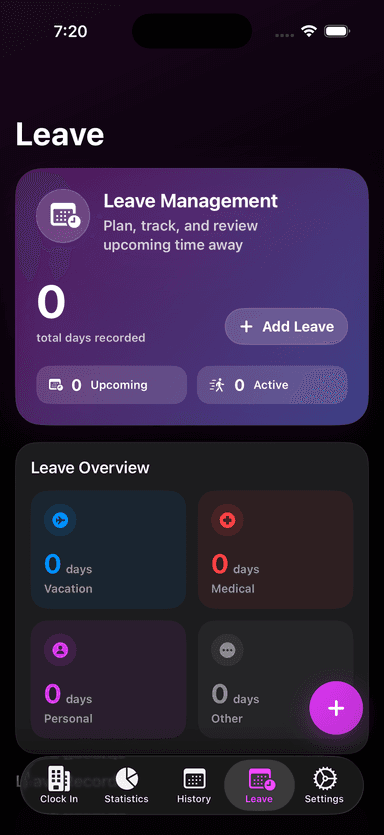
Plan time away and keep return-to-work reminders aligned.
The app is designed around quick daily capture, then calm review when you need the details.
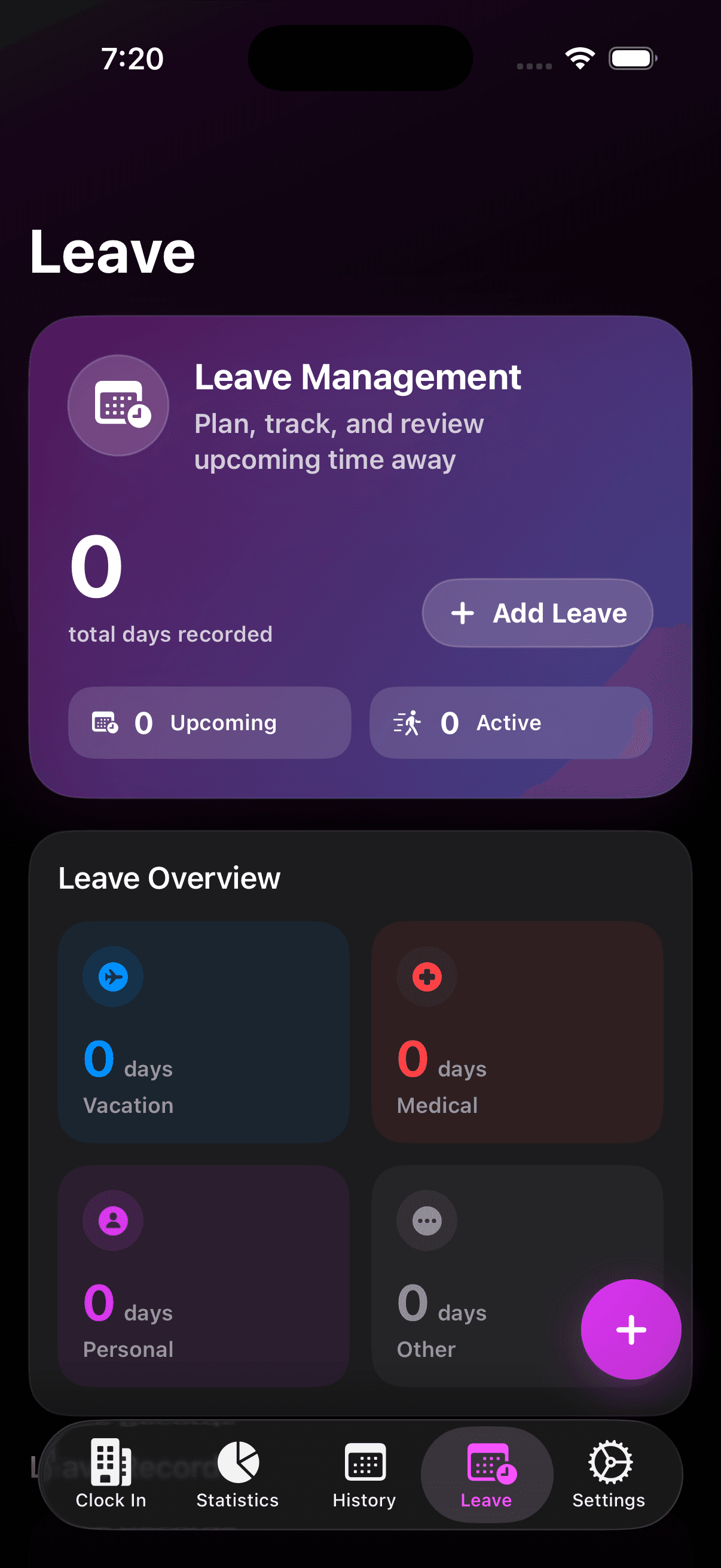
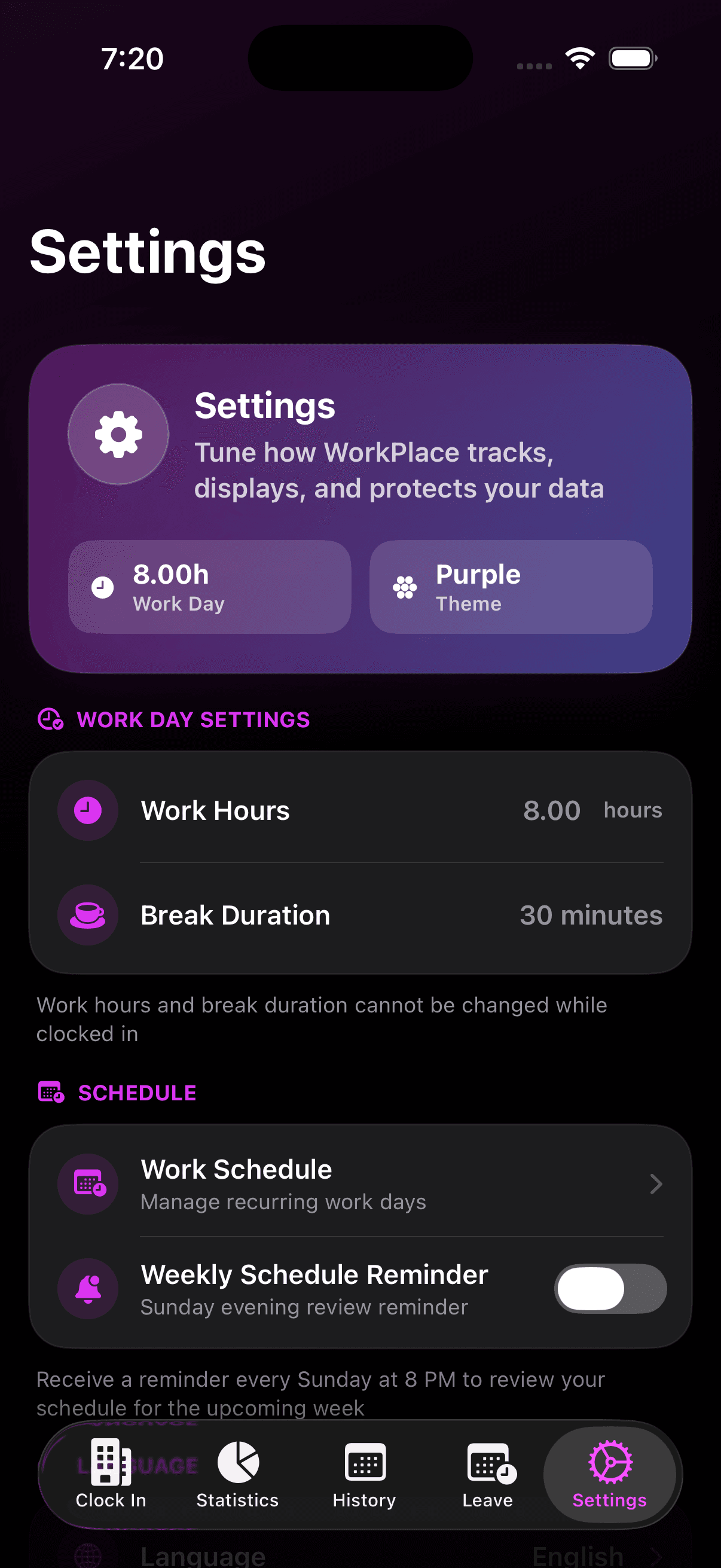
WorkPlace Time Keeper is designed exclusively for iPhone.
The app is actively maintained, with recent releases focused on design quality, Live Activities, statistics, travel records, and reliability.
View full version historyFull app refresh, Live Activities, improved statistics, and reliability upgrades.
Date-format fixes and missing Korean and Simplified Chinese localisations.
Refreshed UI, accommodation tracking, smoother clock-in, and performance improvements.
Leave management, purchase simplification, and responsive UI improvements.
Choose a work location, clock in, and let the app keep the session running until you clock out. You can add breaks, travel, and context during the day.
Yes. Core tracking data is stored locally on your iPhone, with optional iCloud sync when your device is online.
Yes. Work history can be exported to CSV for reports, invoicing, payroll support, or your own analysis.
Your work data stays on your device and can sync through your personal iCloud account. WorkPlace does not need access to your records.
Yes. You can create locations for home, office, client sites, or other places you regularly work from.
The app is free to download for core time tracking. Optional in-app purchases support advanced features such as Leave Management.
Send a question, suggestion, or issue and we'll get back to you.